
Send the Minted Certificate to User via Email
Path: v1/hts/api/integration/transfer-certificate-through-email
How to use:
You can send the certificate via Email, it will be added to the user wallet only when claimed from the mail. Till then it will belong to your wallet. 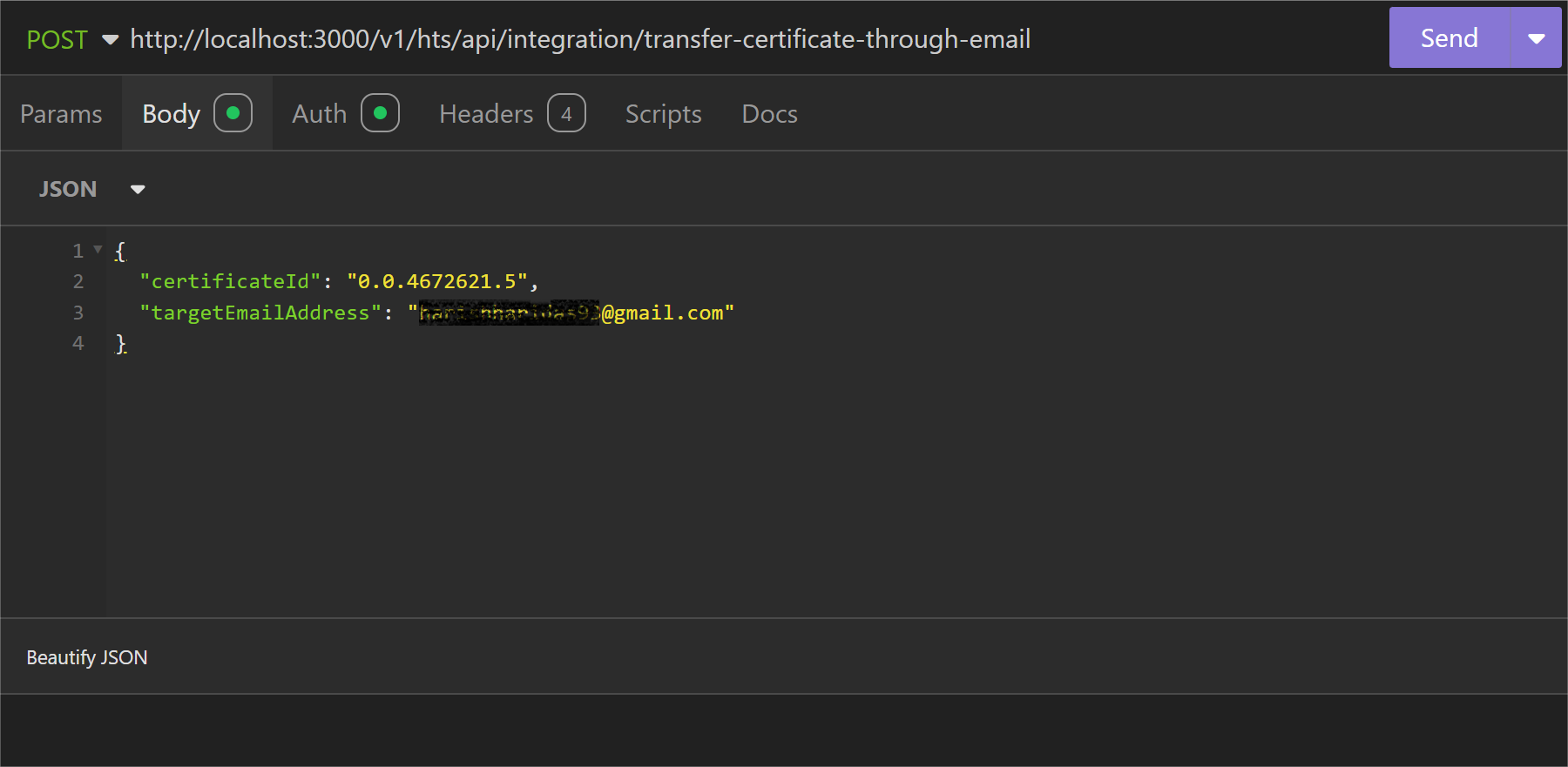
Parameter List
Below table represents the parameters, data type of parameter and whether the parameter is required or not for KYC a collection.
| Field | Type | Required | Usage |
|---|---|---|---|
| certificateId | String | Required | This refers to the unique identifier for the certificates. The certificateId allows you to uniquely identify and manage individual certificates. |
| receiverEmailAddress | String | Required | The receiverEmailAddress is the email-address that receives certificates. When certificates are transferred from one account to another, the recipient’s email address can be used as an identifier. |
cURL commad
curl --request POST \
  --url http://<dgverse-api-base-url>/v1/hts/api/integration/transfer-certificate-through-email \
  --header 'Authorization: Bearer <YOUR_TOKEN>' \
  --header 'Content-Type: application/json' \
  --data '{"certificateId": "<VALUE>","targetEmailAddress": "<VALUE>"}'
Response
When the mail is sent to the provided email address a ‘200 Ok’ status response is generated. 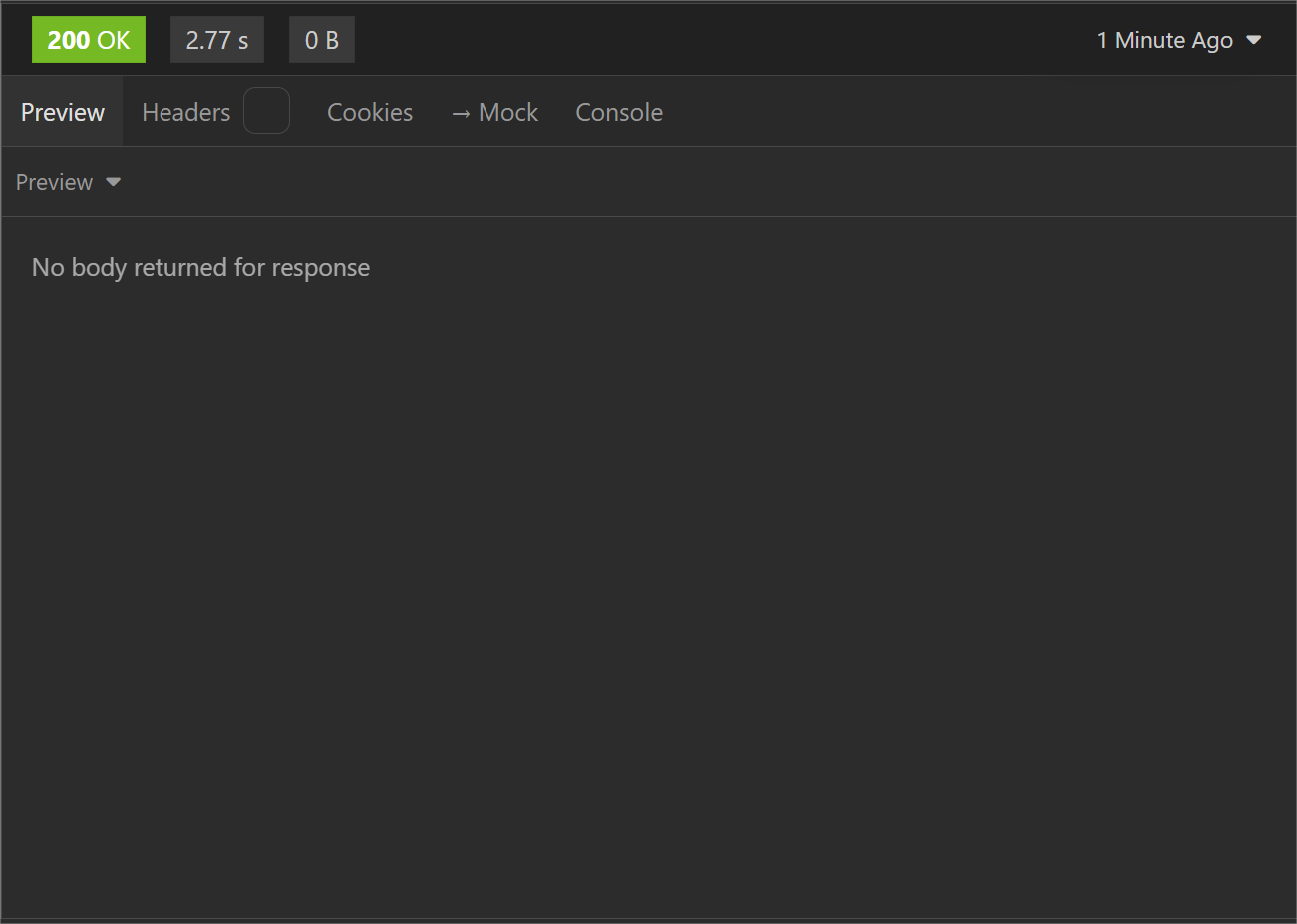
Error troubleshooting
- 400 Bad Request: No such certificate found; please create certificate to start.