
Pause collection
Path: v1/hts/api/integration/pause-collection
How to use
You can pause the collection using this endpoint with a single parameter “collectionId”. With “Pause collection“ you can pause all transactions on this collection. If paused you cannot mint, delete, transfer etc.
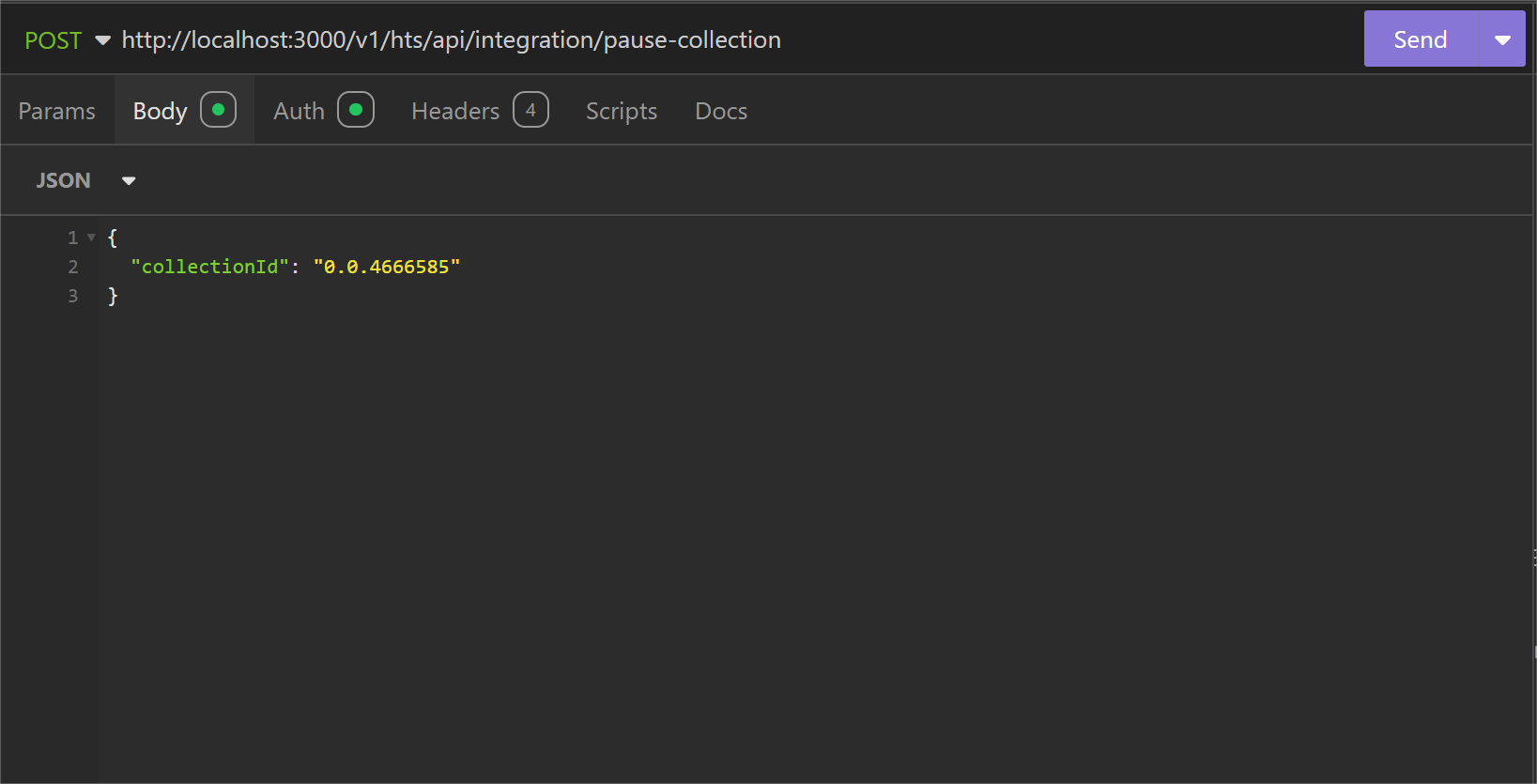
Parameter List
Below table represents the parameters, data type of parameter and whether the parameter is required or not to pause a collection.
| Field | Type | Required | Usage |
|---|---|---|---|
| collectionId | String | Required | “collectionId” is used to identify the collection to pause. |
cURL Command
curl --request POST \
  --url http://<dgverse-api-base-url>/v1/hts/api/integration/pause-collection \
  --header "Authorization: Bearer <YOUR_TOKEN>" \
  --header "Content-Type: application/json" \
  --data '{"collectionId": "<VALUE>"}'
Response
A ‘200 OK’ status means the pause-collection process is successful. 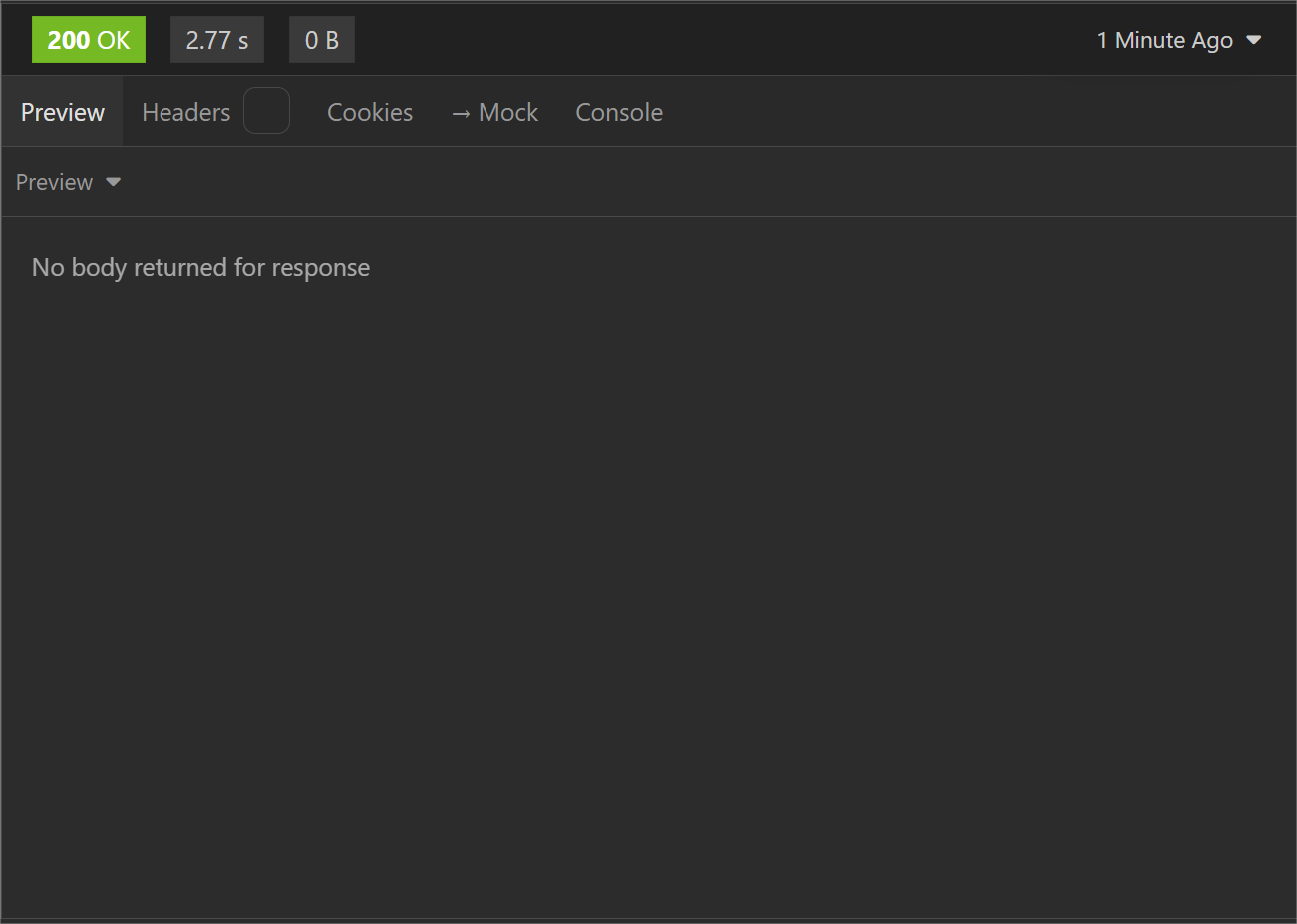
Error Troubleshooting
- 400 Bad Request: The collection provided doesn’t exist. Add an existing ‘collectionId’ to pause the collection.