DgVerseDgVerse
Home
Get Started
  • Auth Endpoint
  • Create Collection
  • Create Certificate
  • Create Directory
  • Transfer Certificate Via Wallet
  • Transfer Certificate Via Mail
  • Cancel Claim
  • Freeze User
  • Un-freeze User
  • Pause Collection
  • Un-Pause Collection
  • Delete Collection
  • Invalidate Certificates
  • Delete Certificates
  • Get Collection
  • Get Certificates
  • Get Directory of a Collection
Home
Get Started
  • Auth Endpoint
  • Create Collection
  • Create Certificate
  • Create Directory
  • Transfer Certificate Via Wallet
  • Transfer Certificate Via Mail
  • Cancel Claim
  • Freeze User
  • Un-freeze User
  • Pause Collection
  • Un-Pause Collection
  • Delete Collection
  • Invalidate Certificates
  • Delete Certificates
  • Get Collection
  • Get Certificates
  • Get Directory of a Collection
  • Cancel Claim

Cancel Claim

Path: v1/hts/api/integration/cancel-claim

How to use

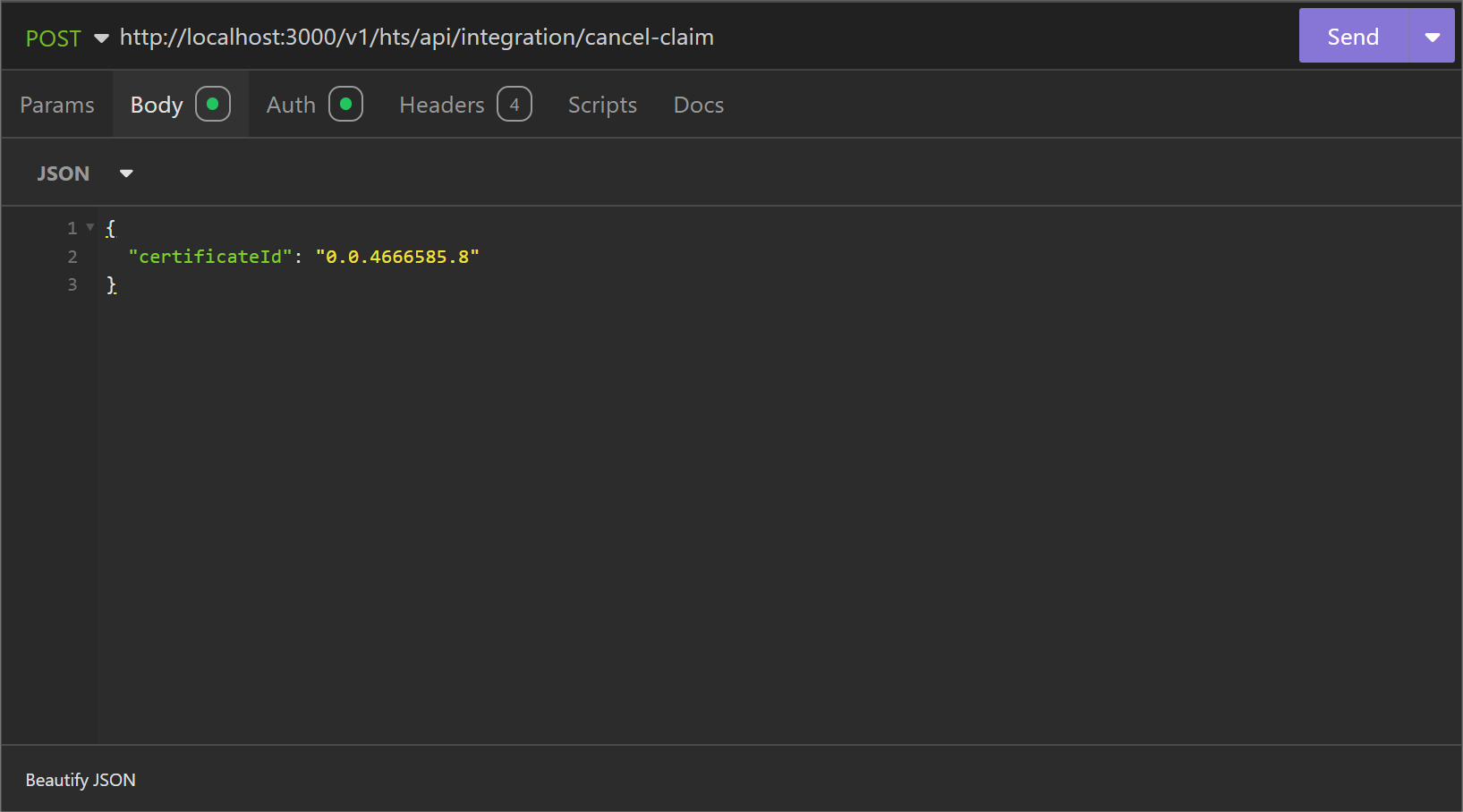
To cancel the claim message. The “certificateId” of the asset sent for claim has to be provided.
screenshot

Parameter List

FieldTypeRequiredUse
certificateIdStringRequiredThis refers to the unique identifier for the certificates. The certificateId allows you to uniquely identify and manage individual certificates.

cURL command

curl --request POST \
  --url http://<dgverse-api-base-url>/v1/hts/api/integration/cancel-claim \
  --header 'Authorization: Bearer <YOUR_TOKEN>' \
  --header 'Content-Type: application/json' \
  --data '{"certificateId": "<VALUE>"}'

Response

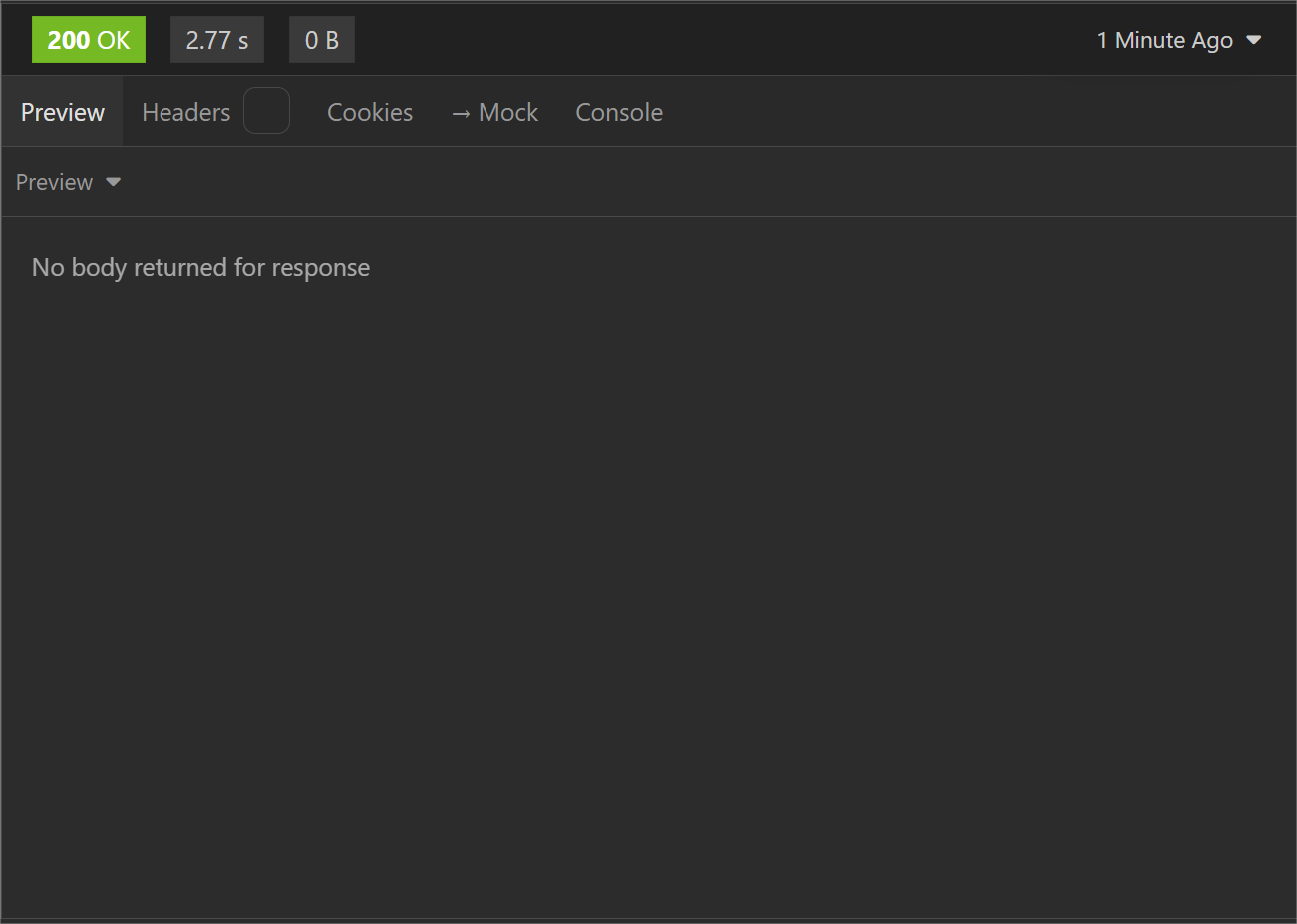
When the claim message is canceled a “200 Ok” status is shown.
screenshot

Error Troubleshooting

  • 400 Bad Request: No such certificate found; the provided Certificate doesn’t exist within this account.
Last Updated:
Contributors: John
Prev
Send the Minted Certificate to User via Email
Next
Freeze user on collection