
Invalidate certificate
Path: v1/hts/api/integration/invalidate-certificate
How to use
The invalidate-certificate API endpoint can be used to invalidate a specific certificate or multiple certificates that belong to another user within a particular collection. 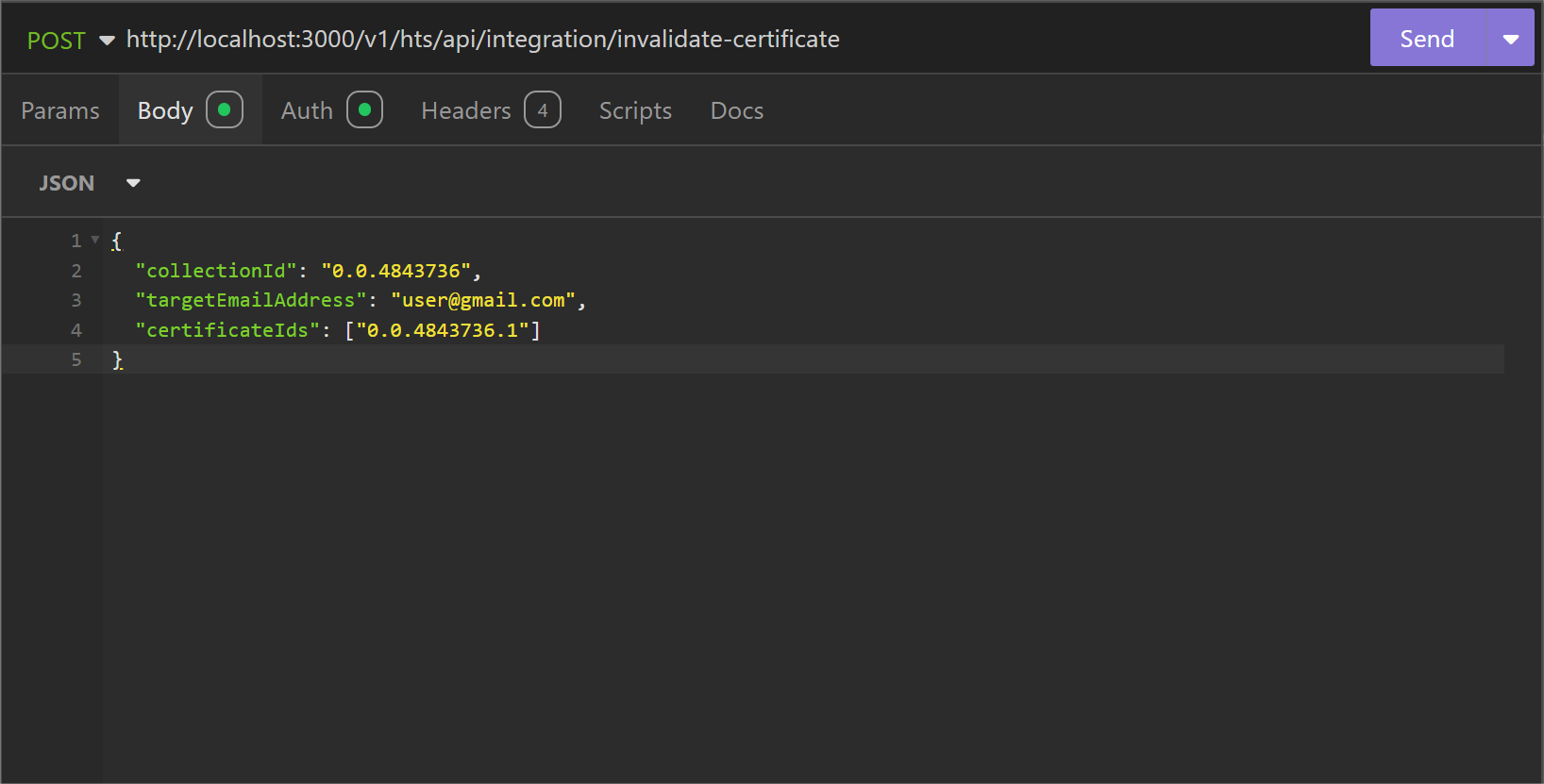
Parameter List
| Field | Type | Required | Usage |
|---|---|---|---|
| collectionId | String | Yes | The unique ID of the collection. |
| targetEmailAddress | String | Yes | The email address of the recipient. |
| certificateIds | Array | Yes | List of certificate IDs associated with the collection. |
| - Format: ["certificateID1", "certificateID2", ...] |
cURL command
curl --request POST \
  --url http://<dgverse-api-base-url>/v1/hts/api/integration/invalidate-certificate \
  --header 'Authorization: Bearer <YOUR_TOKEN>' \
  --header 'Content-Type: application/json' \
  --data '{"collectionId": "<value>","targetEmailAddress": "<value>","certificateIds": ["<value1>", "<value2>"]}'
Response
When the precess is successful a '200 OK' messege is displayed. 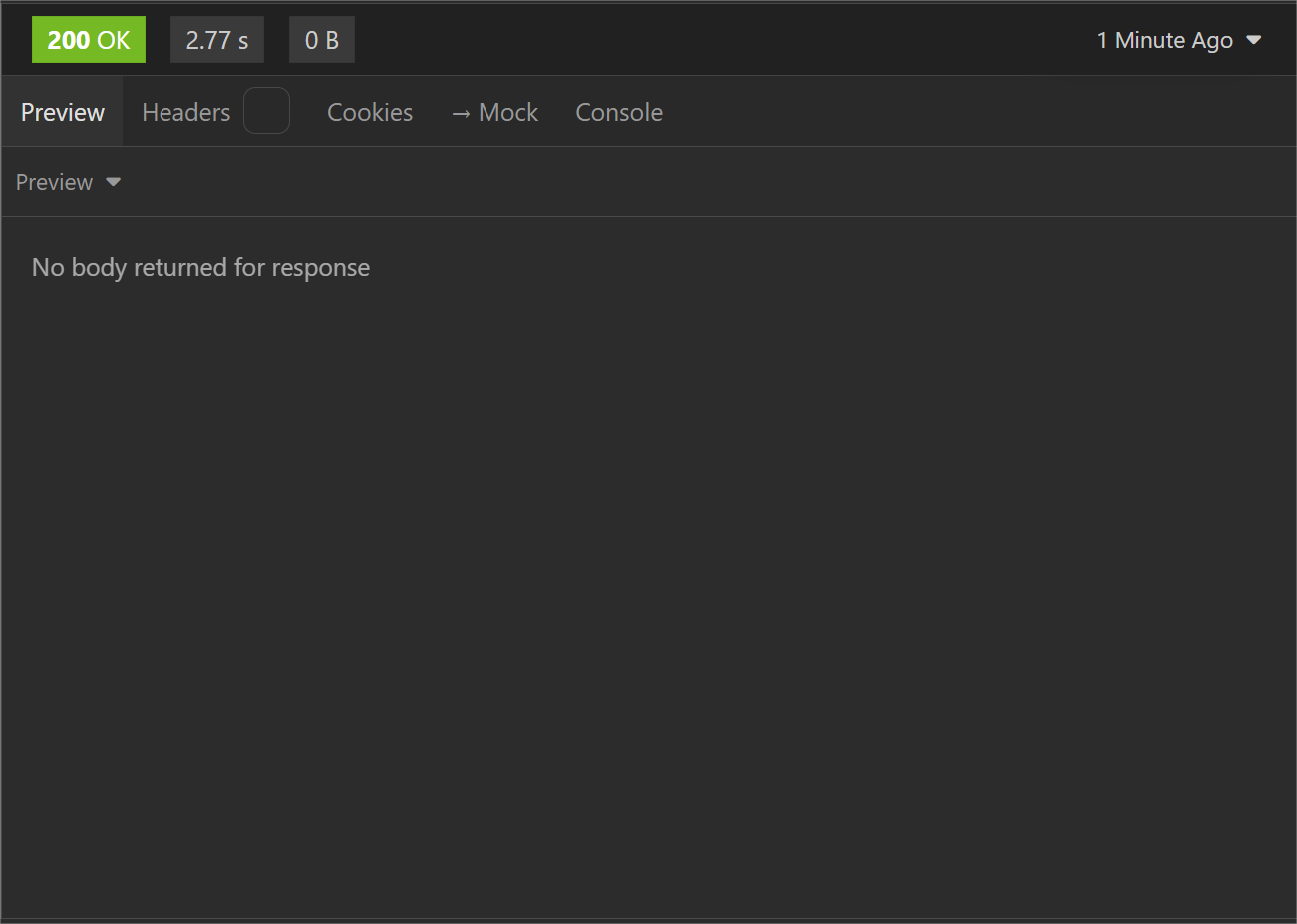
Error Troubleshooting
- 400 Bad Request: User not found.
- 400 Bad Request: Sender and receiver cannot be same.
- 400 Bad Request: No such collection found; please create collection to start.
- 400 Bad Request: Collection does not have invalidate capability enabled.
- 404 Not Found: Any one/all certificates given in the list does not belong to the user mentioned in the request.