
Get Directory
Path: v1/hts/api/integration/assets/directory
How to use
This request will get all collection created by the current login. Below table represents the parameters, data type of the parameter, and whether the parameter is required or not for using ‘GET directory’. All the fields that are required must be provided. Otherwise, it will lead to errors.
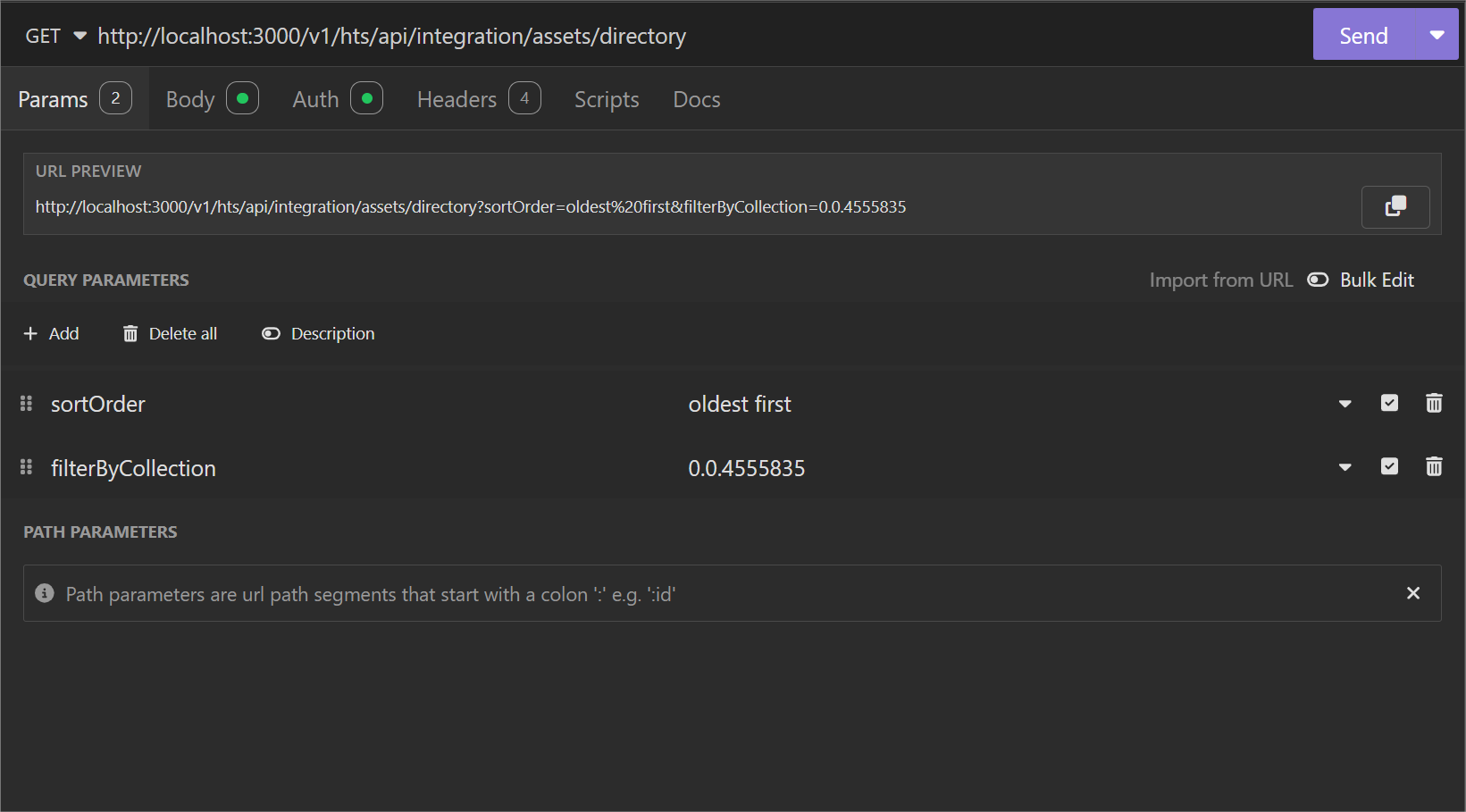
Parameter List
| Field | Type | Required | Usage |
|---|---|---|---|
| sortOrder | String | No | Sorting order for the coming dataset |
| Values: | |||
| - oldest first | |||
| - latest first (default) | |||
| filterByCollection | String | Yes | Filter Option: Collection id for which directories are sought |
Response
The directories in the provided collection will be provided in th given sort order.
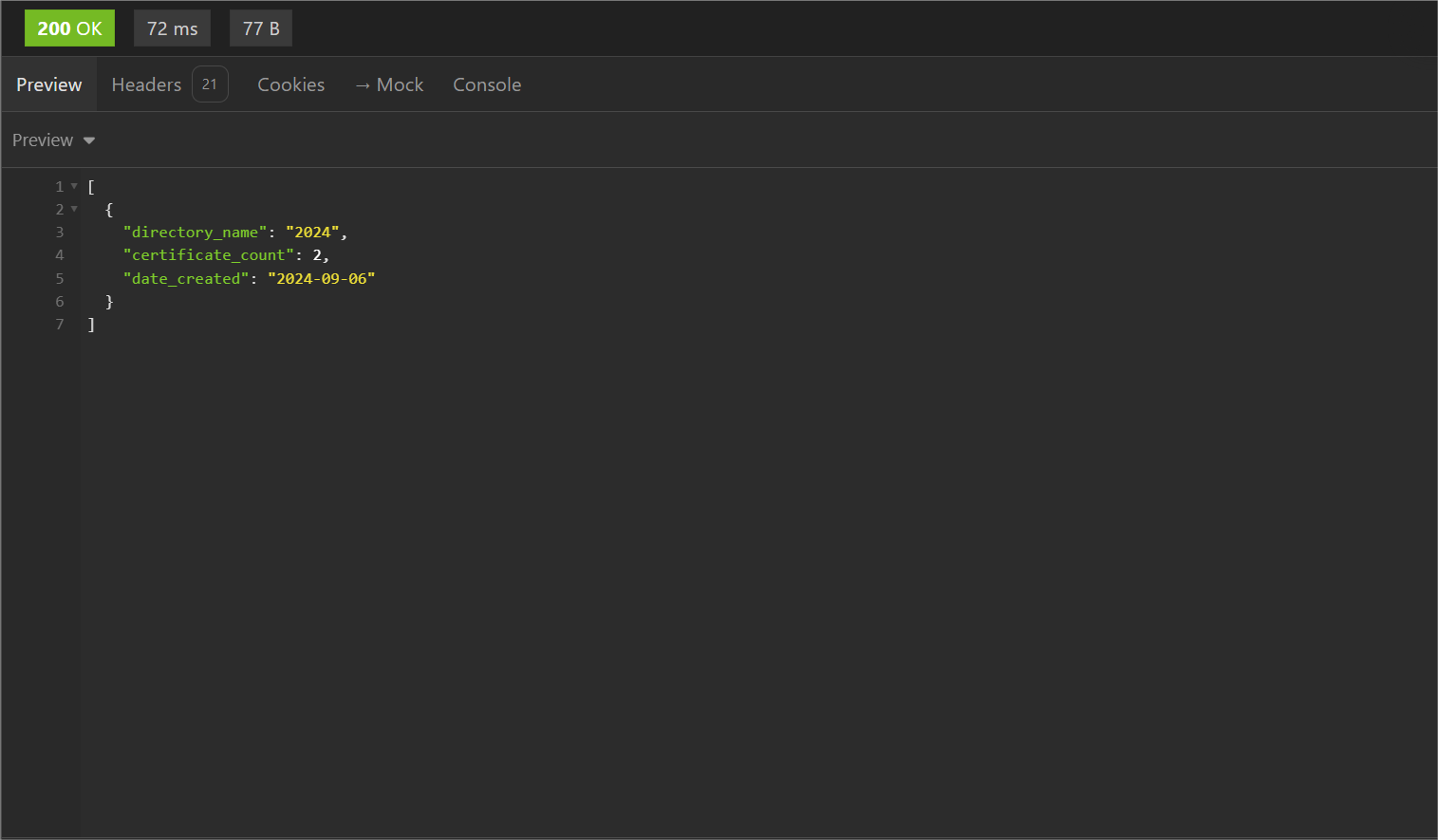
cURL Command
curl --request GET \
  --url 'http://<dgverse-api-base-url>/v1/hts/api/integration/assets/directory?sortOrder=oldest%20first&filterByCollection=<VALUE>' \
  --header 'Authorization: Bearer <YOUR_TOKEN>' \
  --header 'Content-Type: application/json'
Error Troubleshooting
- 400 Bad Request: Please provide collection id.