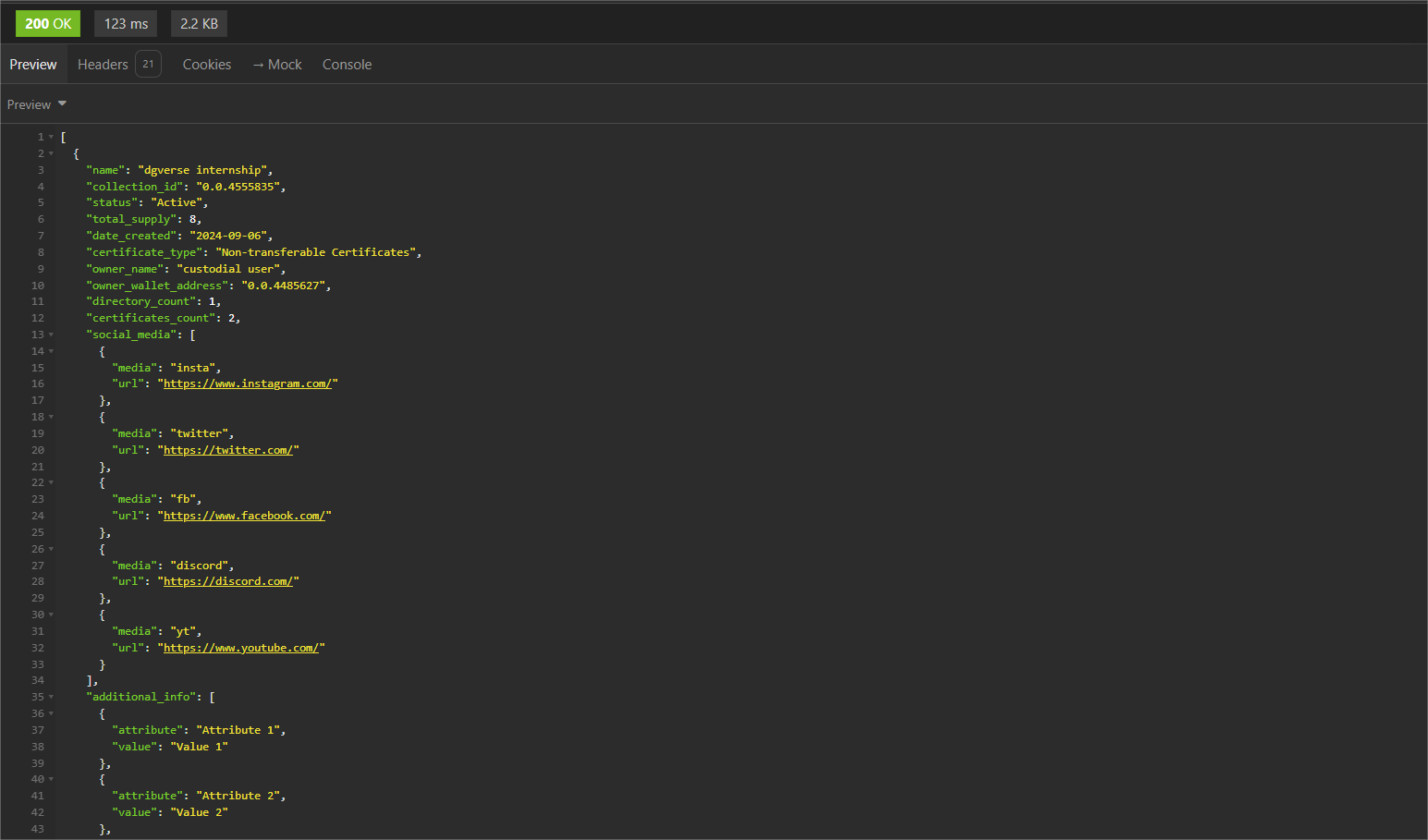
Get Collection
Path: v1/hts/api/integration/assets/collection
How to use
To retrieve the collections available in the current session, the sort order and the required collection type must be specified. 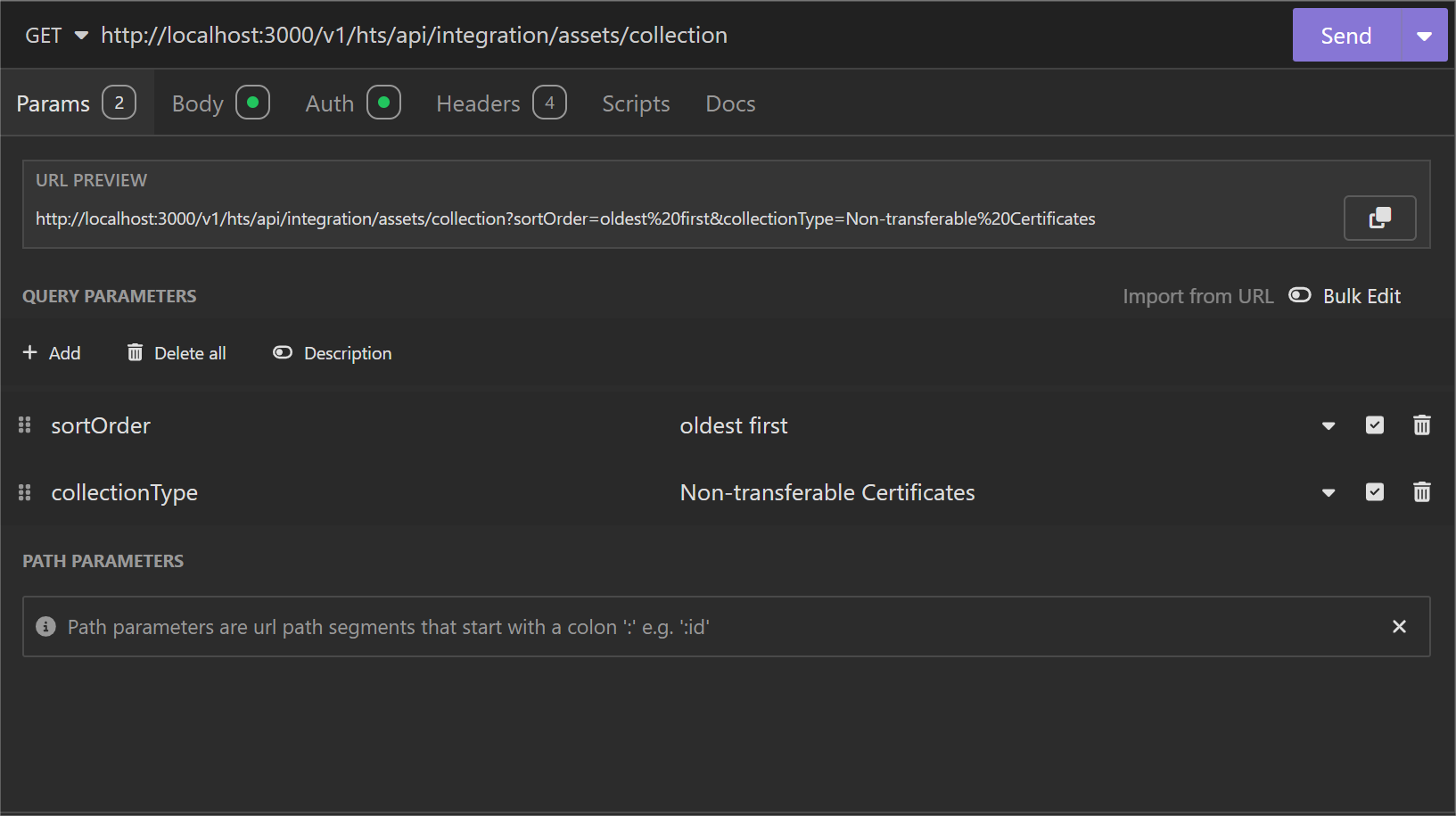
Parameter List
| Field | Type | Required | Usage |
|---|---|---|---|
| sortOrder | String | No | Sorting order for the coming dataset |
| Values: | |||
| - oldest first | |||
| - latest first (default) | |||
| collectionType | String | No | Filter Option: Select only this type of collections |
| Values: | |||
| - Non-transferable Certificates | |||
| - Transferable Certificates |
cURL Command
curl --request GET \
  --url 'http://<dgverse-api-base-url>/v1/hts/api/integration/assets/collection?sortOrder=oldest%20first&collectionType=Non-transferable%20Certificates' \
  --header 'Authorization: Bearer <YOUR_TOKEN>' \
  --header 'Content-Type: application/json'
Response
The collections in the current login will be provided in the given sort order.