
Delete Collection
Path: v1/hts/api/integration/delete-collection
How to use:
The ‘collectionId’ of an existing collection has to be provided to delete a collection. 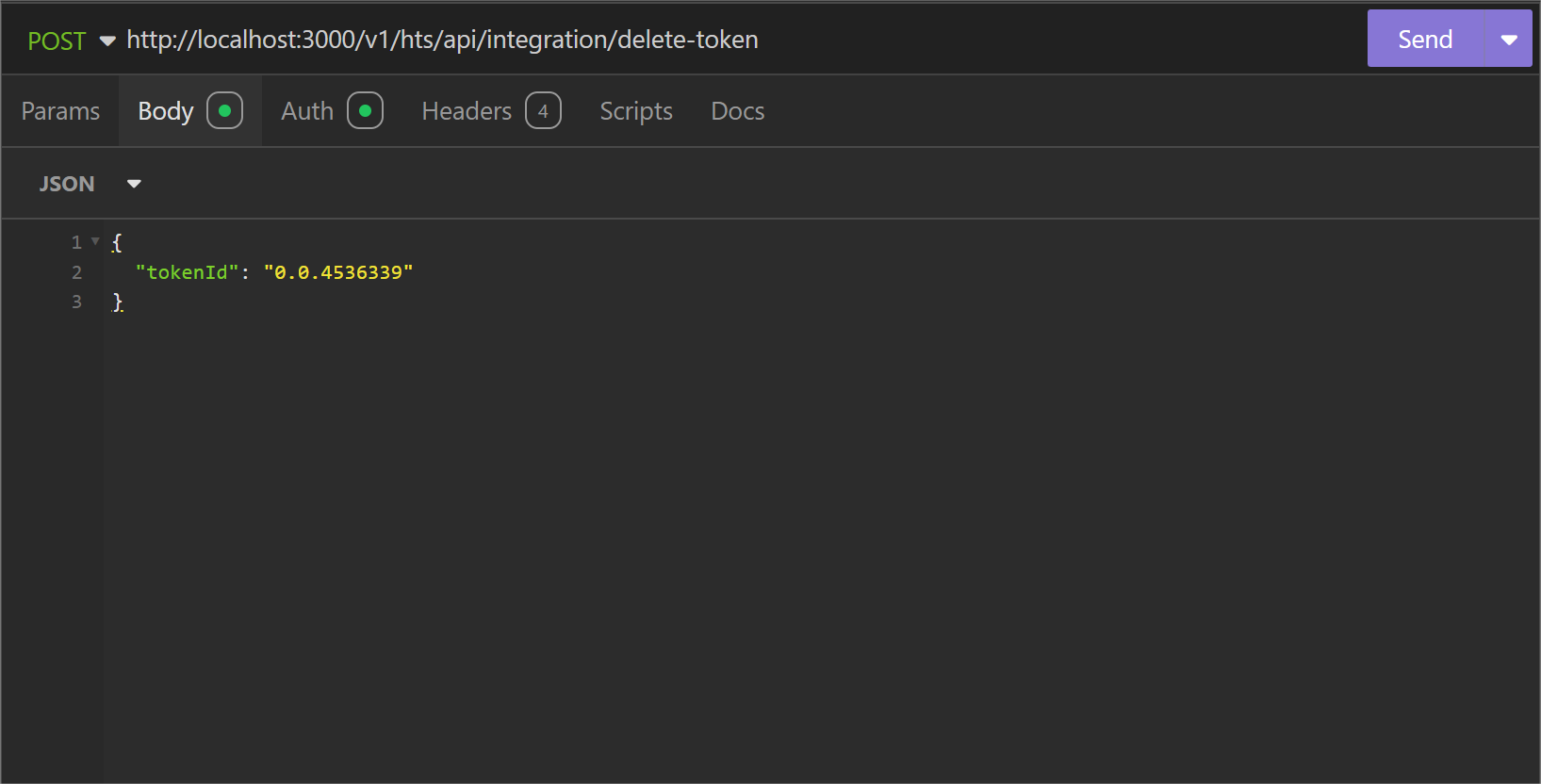
Parameter List
Below table represents the parameters, data type of parameter and whether the parameter is required or not for deleting the collection.
| Field | Type | Required | Usage |
|---|---|---|---|
| collectionId | String | Required | “collectionId” is used to identify the collection to consider for deletion. |
cURL command
curl --request POST \
  --url http://<dgverse-api-base-url>/v1/hts/api/integration/delete-collection \
  --header 'Authorization: Bearer <YOUR TOKEN>' \
  --header 'Content-Type: application/json' \
  --data '{"collectionId": "<VALUE>"}'
Response
When the collection is deleted successfully, a '200 Ok' response message will be generated. 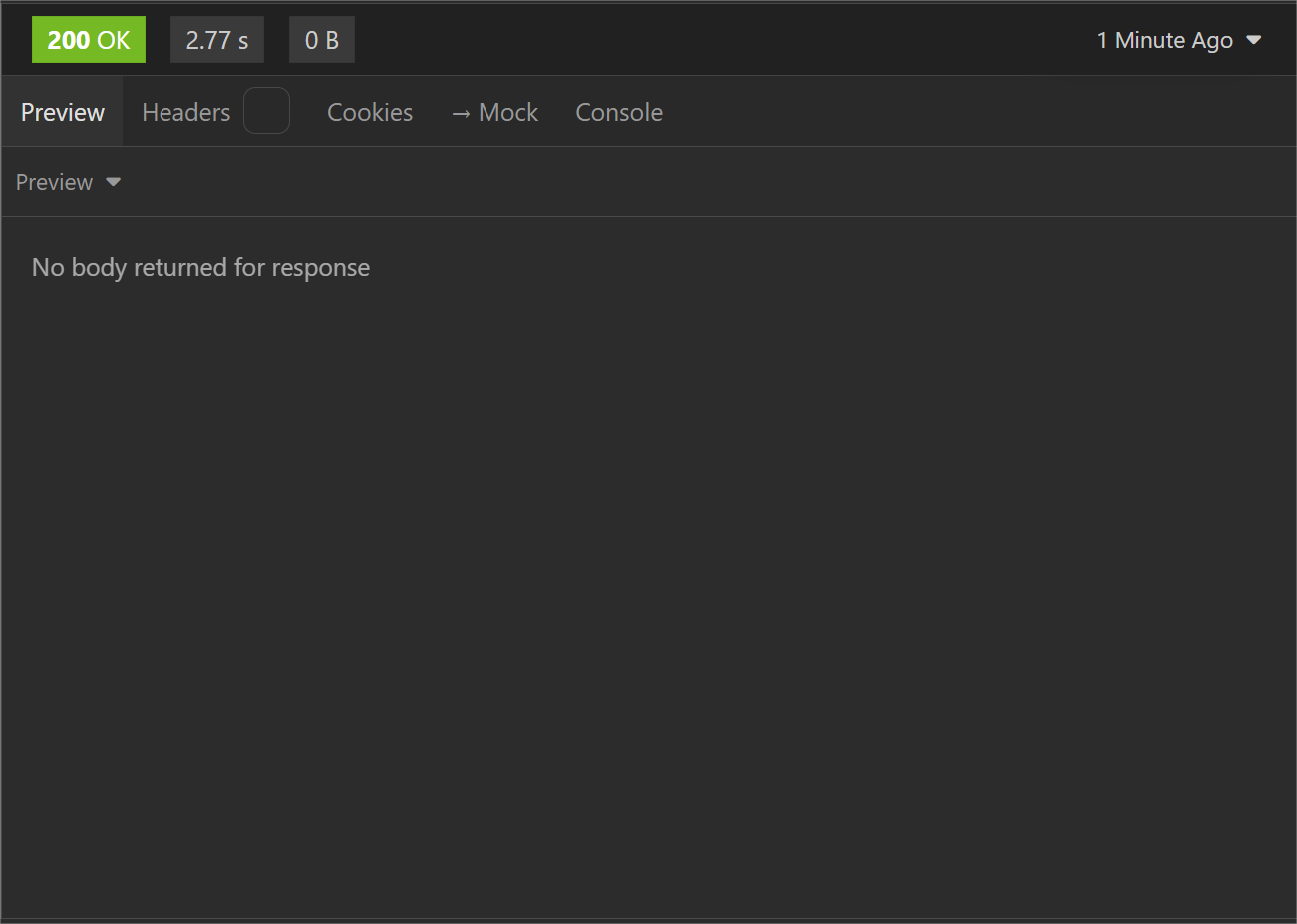
Error Troubleshooting
- 500 Internal Server Error: collection doesn’t exist. It was already deleted.
- 400 Bad Request: ‘collection’ provided as ‘collectionId’ doesn’t exist with this account.