
Create Directory
Path: v1/hts/api/integration/create-directory
How to use:
To create a directory you have to use three parameters: “collectionId”, “name” For example: If you want to provide certificates for the 2024 batch of “B.Tech Computer Science” students. Then you have to create a ‘collection’ with name “B.Tech Computer Science”, ‘directory’ name should be “2024” and the certificates will be created inside that directory “2024” for each student.
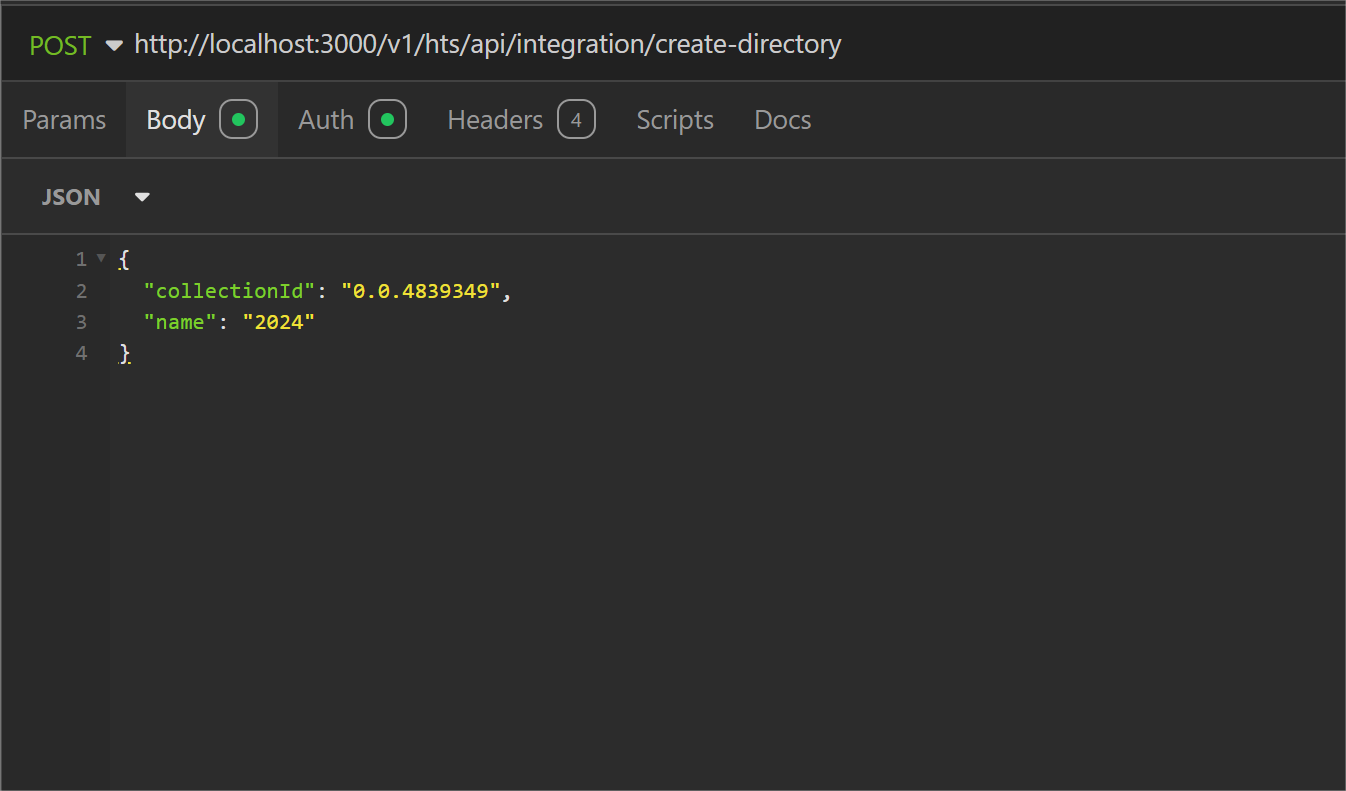
Parameter List
Below table represents the parameters, data type of parameter and whether the parameter is required or not for KYC a collection.
| Field | Type | Required | Usage |
|---|---|---|---|
| collectionId | String | Required | “collectionId” is used to identify the collection to create a directory inside it. |
| name | String | Required | A directory name is required to identify directories within the collection. There can be multiple directories within a collection. |
cURL command:
curl --request POST \
  --url http://<dgverse-api-base-url>/v1/hts/api/integration/create-directory \
  --header 'Authorization: Bearer <YOUR_TOKEN>' \
  --header 'Content-Type: application/json' \
  --data '{ "collectionId": "<value>", “name": "<value>"}'
Response:
When the directory is created successfully, a ‘201 Created’ response message will be generated. 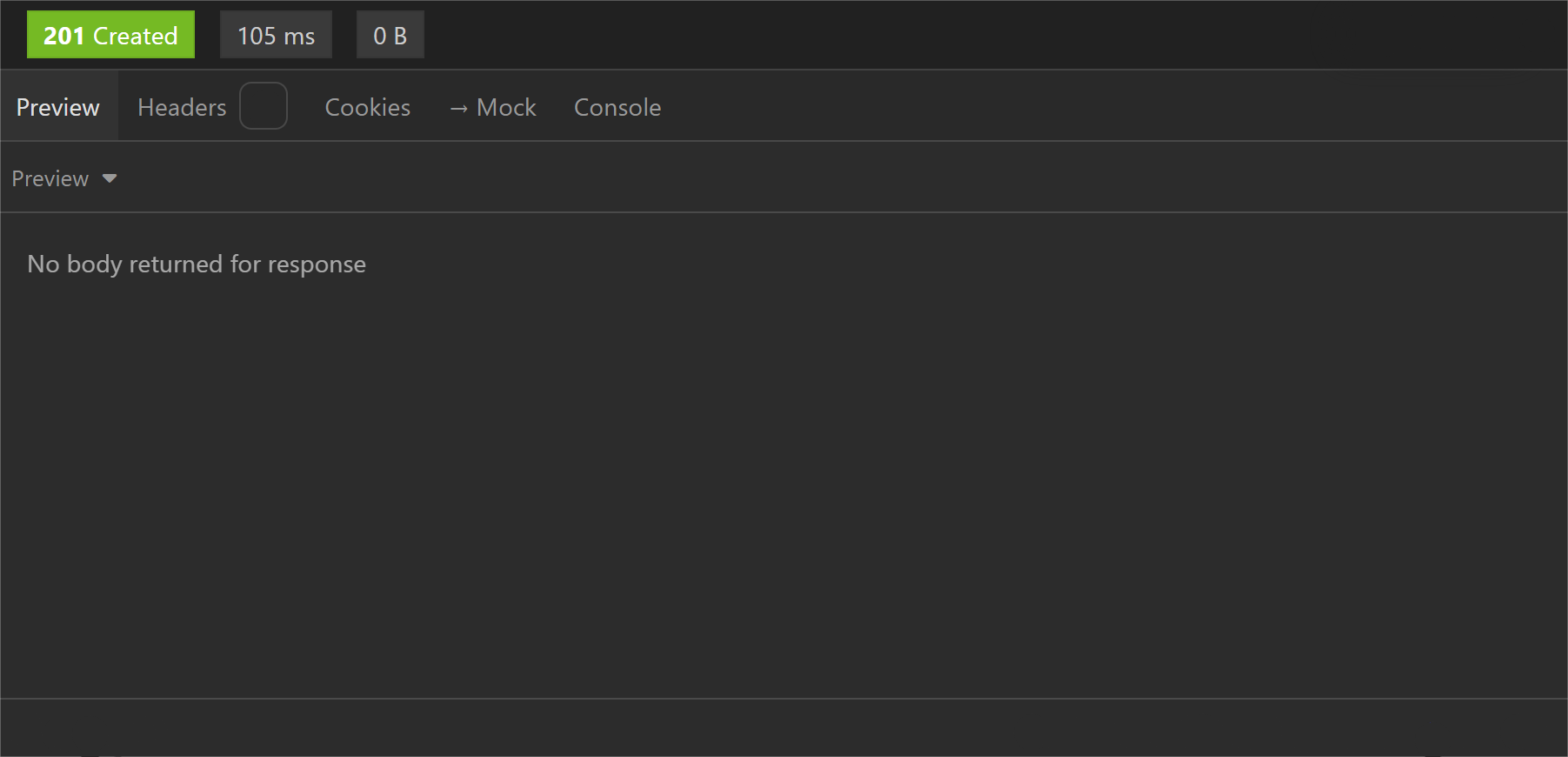
Error troubleshooting
- 400 Bad Request: No such collection exists.
- 500 Internal Server Error: The provided user ID is not correct.